Most business owners think about website costs once — at launch — and then never budget for it again. Then six months later something breaks, a plugin conflict takes the site down, or a competitor quietly outranks them because their own site has been stagnant since the day it went live. Website maintenance isn’t optional overhead. It’s what keeps the investment you already made from slowly losing value.
Here’s a realistic look at what maintenance actually costs, what should be included, and how to think about it as a line item instead of a surprise expense.
Why This Is a Recurring Cost, Not a One-Time One
A website is closer to a piece of equipment than a piece of art. It has moving parts — a content management system, plugins, hosting, security certificates — and every one of them needs occasional attention. Skipping maintenance doesn’t save money. It defers cost, usually into a much larger emergency fix later, plus the lost traffic and leads while things were broken.
This connects directly to two things covered elsewhere on this site: how maintenance affects your SEO rankings, and the specific tasks on a website maintenance checklist. This post is about the budgeting side of that same picture.
What Typically Drives the Monthly Cost
Site complexity. A simple brochure site with five pages costs less to maintain than an e-commerce store with hundreds of products, integrations, and a checkout process.
Update frequency. A site that needs weekly content changes, new blog posts, or seasonal updates costs more to maintain than one that stays mostly static between redesigns.
Security requirements. Sites handling customer data, payments, or logins need more active security monitoring than a simple informational site.
Hosting environment. Managed hosting with built-in backups and security often costs more upfront but reduces the maintenance burden elsewhere.
Response time expectations. A plan that guarantees same-day fixes for critical issues costs more than one with a standard multi-day turnaround.
What a Reasonable Maintenance Plan Should Include
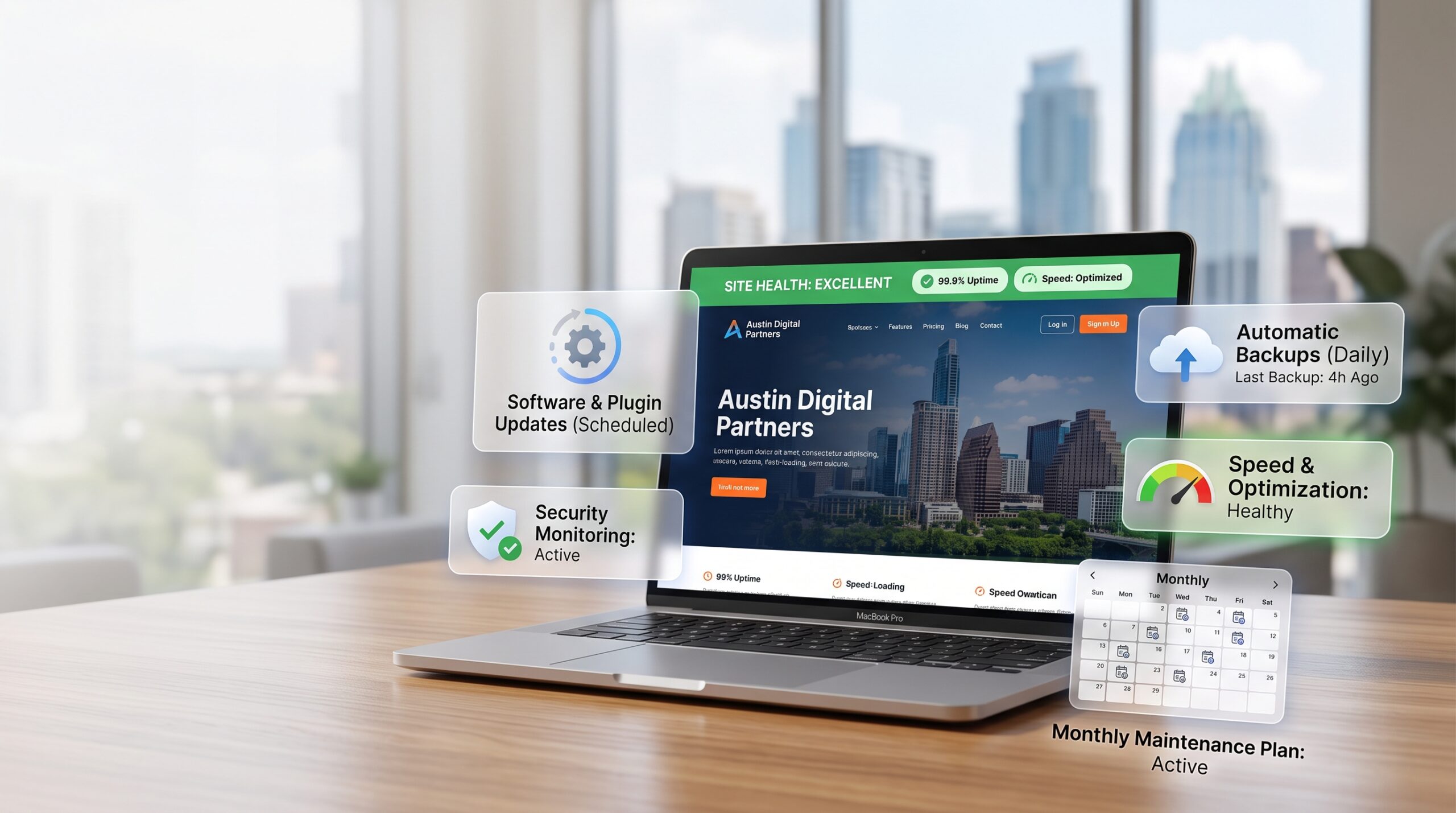
Regardless of what you’re spending, a legitimate monthly maintenance plan should cover:
- Core, theme, and plugin updates — kept current to avoid security vulnerabilities and compatibility issues.
- Regular backups — stored off-site, not just on the same server as the live site.
- Security monitoring — malware scanning and basic firewall protection.
- Uptime monitoring — so you find out about downtime before your customers do.
- Performance checks — page speed doesn’t just degrade once; it drifts over time as content and plugins accumulate, which ties directly into how site speed affects your SEO.
- A defined response time for anything urgent, in writing, not just implied.
If a maintenance plan doesn’t clearly cover most of this, you’re likely paying for very little beyond someone occasionally logging in to click “update.”
How to Think About Budgeting for It
Rather than treating maintenance as an unpredictable expense, build it in from the start as a fixed monthly line item — the same way you’d budget for software subscriptions or a recurring service. A few practical guidelines:
- Budget maintenance as a percentage of what the site cost to build, not as an afterthought once the invoice for the build is paid.
- Match the plan to your site’s actual risk — an e-commerce store handling payments needs more active security monitoring than a static informational site.
- Ask what happens if something breaks outside of routine maintenance — is emergency support included, or billed separately?
- Re-evaluate annually. A site that’s grown in complexity since launch may have outgrown its original maintenance plan.
What Happens Without a Maintenance Plan
This is worth being direct about, because it’s the actual cost comparison that matters — not “maintenance vs. no maintenance,” but “small recurring cost vs. large unpredictable cost.”
Without regular maintenance, sites tend to accumulate the same set of problems: outdated plugins that eventually create a security vulnerability, slow degradation in page speed that quietly erodes both rankings and conversions, and small bugs that go unnoticed until they’re customer-facing. By the time any of these becomes visible, the fix is almost always more expensive — and more disruptive — than the maintenance that would have prevented it.
FAQ
Is website maintenance really necessary, or can I just fix things when they break? You can, but “fixing it when it breaks” usually means fixing it after it’s already cost you traffic, leads, or a security incident — plus paying for an emergency fix instead of routine, planned work.
Does website maintenance include making content updates, like adding a new blog post? It depends on the plan. Technical maintenance (updates, security, backups, performance) is usually separate from content updates — check what’s included before assuming it’s covered.
What’s a reasonable response time to expect from a maintenance provider? For routine updates, weekly or monthly is standard. For anything urgent — the site is down or compromised — same-day response should be a stated part of any plan you’re paying for.
Can I switch maintenance providers without losing anything? Yes, as long as you have access to your hosting account, domain registrar, and CMS admin login. If a provider won’t give you full access to your own site, treat that as a warning sign regardless of price.
If you’re not sure whether your current site is getting the maintenance it actually needs, see what’s included in our website maintenance services — or check our maintenance checklist against what’s happening on your site right now.