Blog

restaurant web design Austin

Restaurant & Hospitality Website Design in Austin

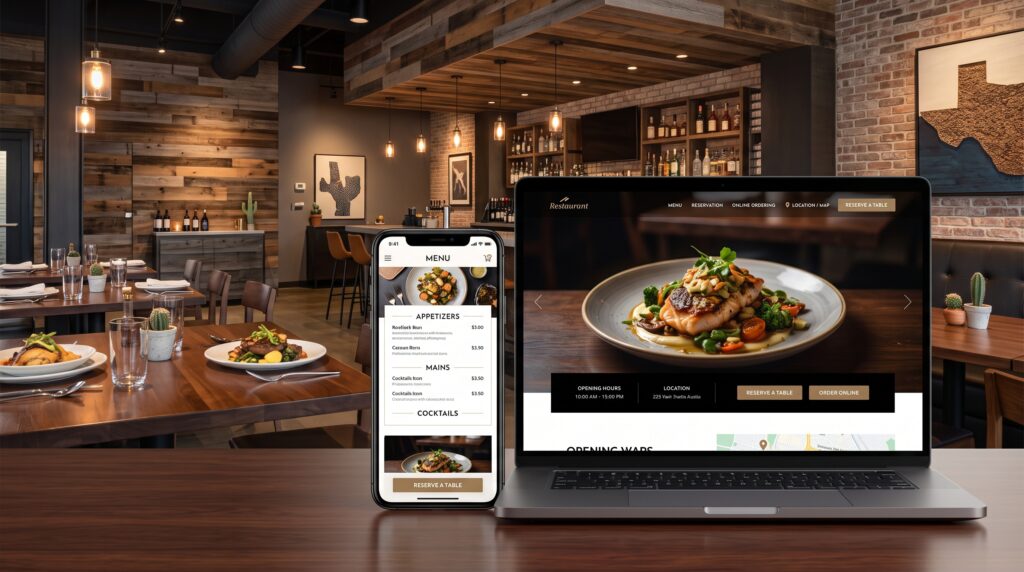
Austin’s restaurant and bar scene is one of the most competitive in Texas, and most of that competition now plays out on a phone screen before it ever plays out at a table. Someone deciding where to eat tonight is scrolling through menus, checking hours, and looking at photos — often while already hungry and already comparing three other options in the same tab group. If your site is slow, your menu is a PDF nobody can read on mobile, or your hours are wrong, you’ve lost that decision before you had a chance to make your case.

This applies just as directly to bars, hotels, and catering businesses as it does to restaurants — the core job of the website is the same: answer the immediate question fast, and make the next step (a reservation, a call, an order) effortless.

1. Menus Have to Work on Mobile — Not Just Exist There

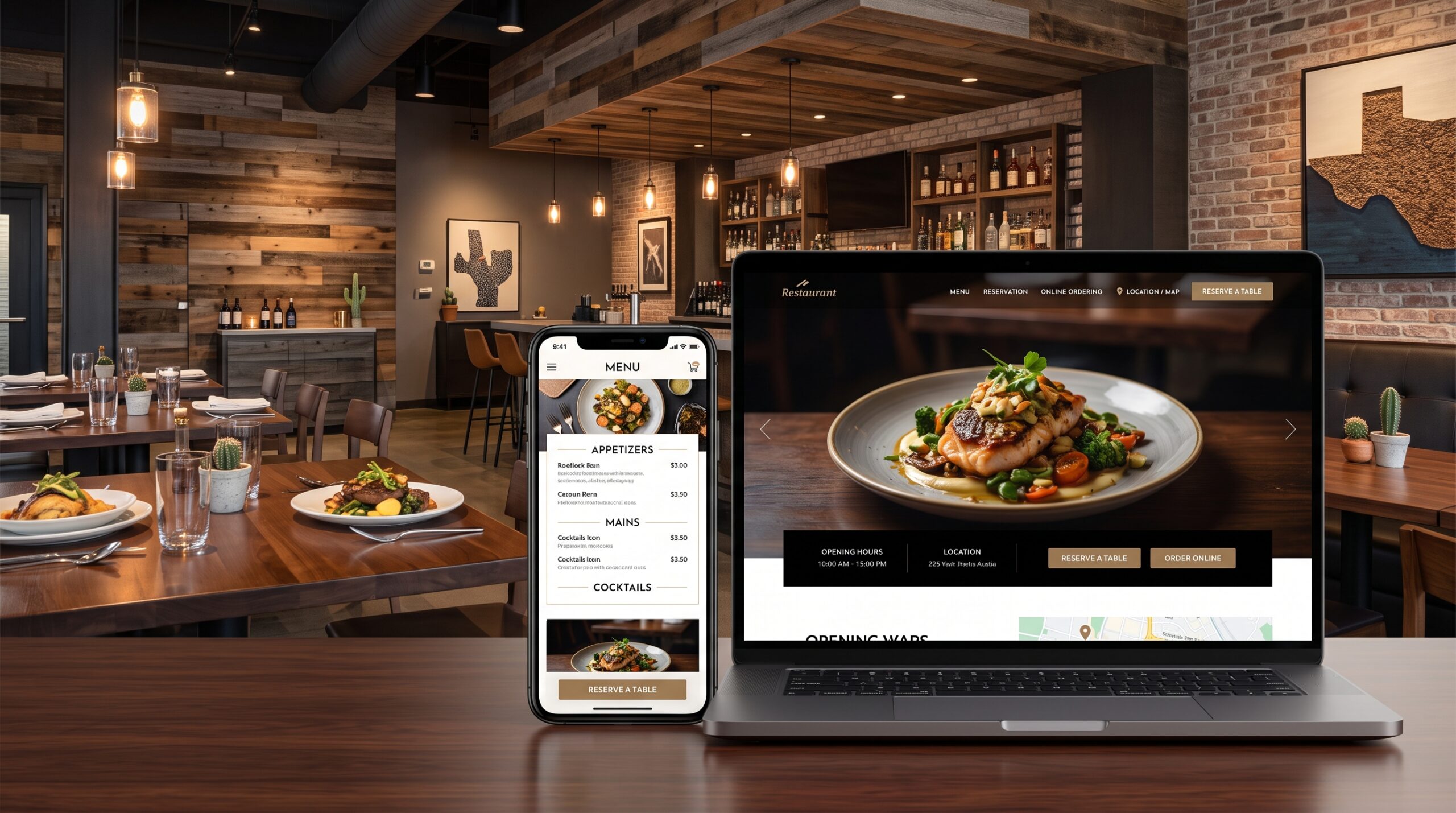
A surprising number of restaurant sites still link out to a PDF menu. On mobile, that means pinching, zooming, and scrolling sideways through a document that wasn’t designed for a phone screen — exactly when someone is trying to make a quick decision.

  • Build your menu as an actual web page, not a PDF.
  • Keep it easy to scan: clear categories, readable pricing, no tiny fonts.
  • Update it the moment items or prices change — a menu that’s out of date is one of the fastest ways to lose trust before a first visit.

2. Hours, Location, and Contact Info Need to Be Instantly Findable

This sounds basic, but it’s one of the most common failure points. If someone has to hunt for your hours or your phone number, especially on mobile, they’ll often just call a competitor instead.

  • Put hours, address, and phone number in the header or footer of every page, not buried on a separate “Contact” page.
  • Keep this information identical to what’s on your Google Business Profile — mismatched hours between your site and Google is a common, avoidable trust problem, and it directly affects your local SEO.
  • Make your phone number tap-to-call on mobile.

3. Reservations and Ordering Should Be One Tap Away

Whatever action you actually want someone to take — book a table, place an online order, inquire about catering — should never be more than one tap from any page on the site.

  • Integrate directly with your reservation platform (OpenTable, Resy, or similar) rather than making people leave your site to find a separate booking link.
  • For restaurants offering online ordering, keep the ordering flow simple — this overlaps closely with good e-commerce design fundamentals: clear items, fast checkout, minimal steps.
  • For bars and event spaces, a clear inquiry form for private parties or reservations, not just a generic contact form.

4. Photography Sells the Experience, Not Just the Food

Good food photography matters, but so does showing the actual experience — the dining room, the bar, the patio, the atmosphere. People are choosing where to spend an evening, not just what to eat.

  • Use real photos of your actual space and food, not stock imagery.
  • Show the atmosphere at the time of day people are actually deciding to visit — evening lighting for dinner spots, daytime for brunch destinations.
  • Keep image files optimized so a strong photo gallery doesn’t slow the site down.

5. Local SEO Matters More for Hospitality Than Almost Any Other Business Type

Restaurant, bar, and hotel searches are almost entirely local and almost entirely mobile — “restaurants near me,” “best happy hour Austin,” “hotels near [neighborhood].” Winning that visibility depends on the same fundamentals covered in our local SEO checklist: a fully optimized Google Business Profile, consistent business information everywhere online, and real, recent reviews.

6. Don’t Neglect the Mobile Experience — It’s the Majority Experience

For restaurants and bars specifically, mobile traffic isn’t a segment to accommodate — it’s usually the majority of visitors. Our responsive web design approach treats mobile as the primary experience, not an adapted version of the desktop site, which matters even more for a hospitality business than for most other industries.

FAQ

Should my restaurant website include online ordering, or just link to a delivery app? Both have a place, but owning your ordering flow — even alongside third-party delivery apps — keeps you from paying commission on every order and gives you a direct customer relationship. It’s worth the extra setup if your volume supports it.

How important are photos compared to the menu itself? Both matter, but photos are often what gets someone to click through in the first place — from a Google search or a social media link — while the menu is what closes the decision once they’re on the site.

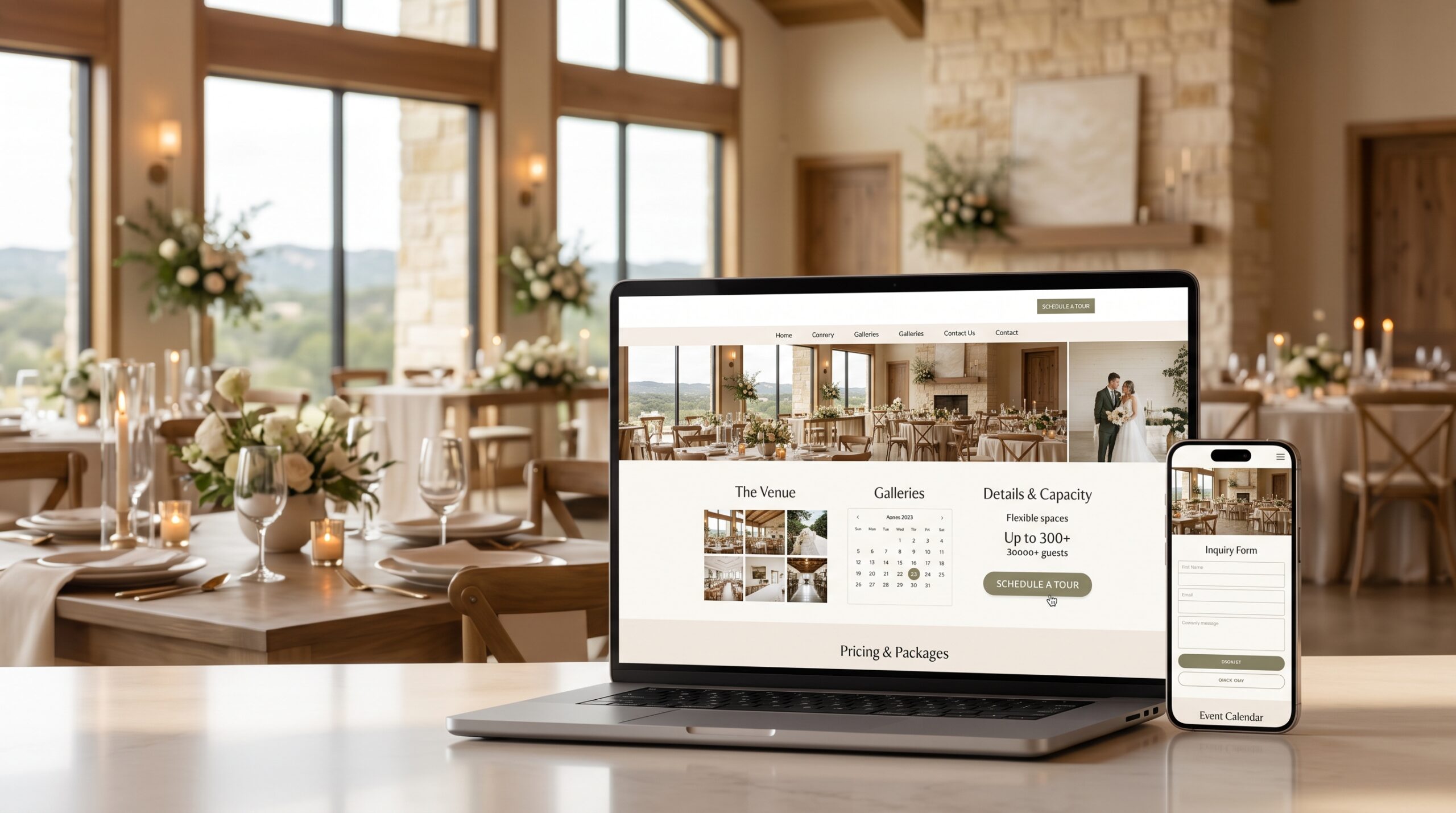
Do hotels and event venues need a different approach than restaurants? The core principles are the same — fast mobile experience, clear next step, strong photography, accurate local information — but hotels typically need booking integration and room-specific detail pages, closer to what we cover in our piece on wedding venue and event space design.

How often should a restaurant update its website? Menu and hours should be updated immediately when they change. Beyond that, a seasonal refresh of photos and any promotions keeps the site feeling current rather than stale.

If your restaurant, bar, or hospitality business isn’t converting mobile visitors into reservations and orders, see our custom web design services built around how people actually decide where to eat and drink in Austin.

Share It

Categories

Want To Grow Your Business? Let Us Help You

Get the best solution for your business!