Your website often gives customers their first impression of your business. And if your site looks outdated, loads slowly, or is hard to use, visitors will leave before you even get a chance to talk to them.
Many Austin businesses keep the same website for years. But customer expectations change fast. Search engines change. And competitors upgrade their sites. So redesigning your website is not just about looks. It’s about staying competitive.
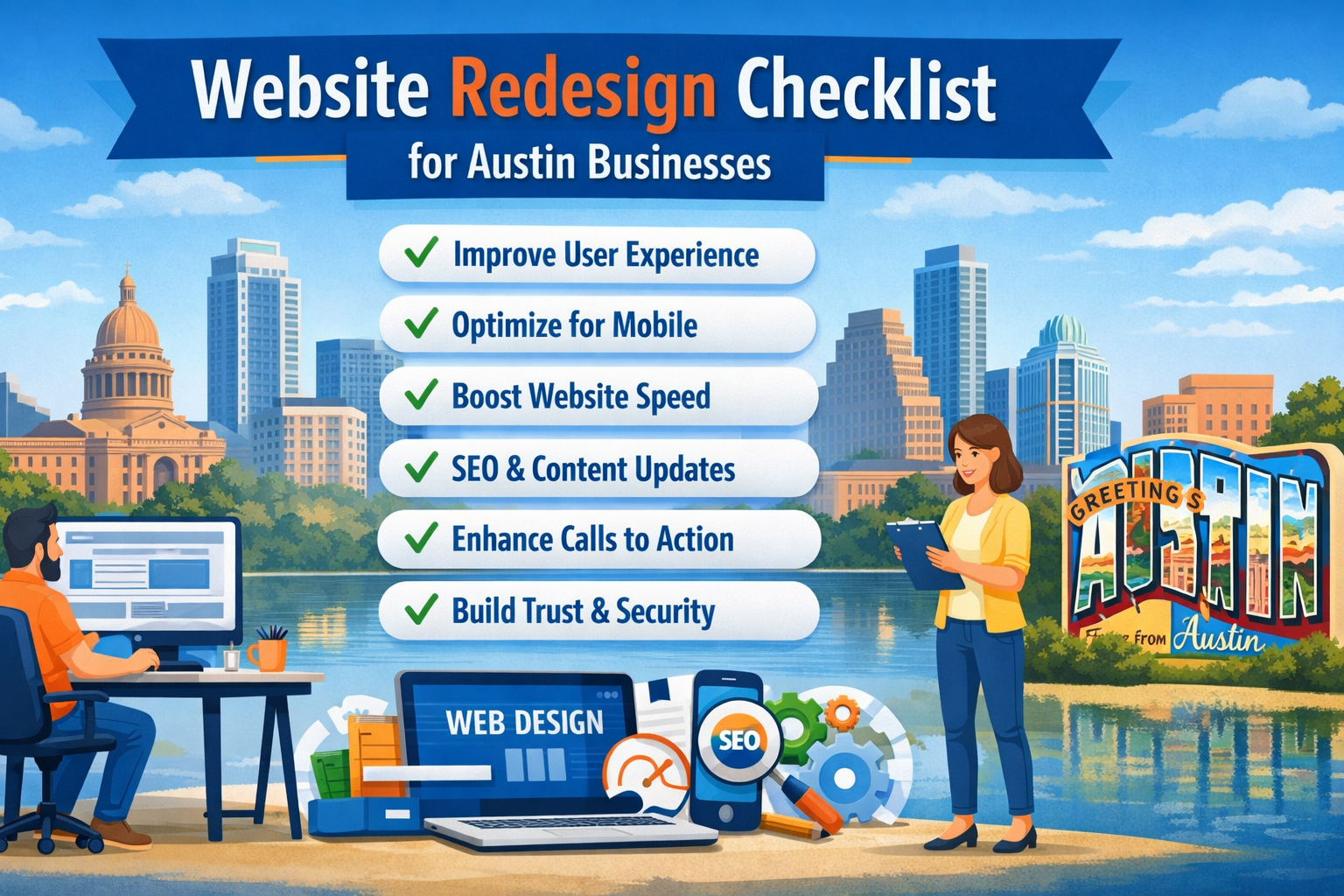
This checklist will help you plan a redesign that improves performance, user experience, and conversions — not just visuals. Whether you’re hiring professionals or working with an in-house team, this guide keeps you focused on what matters.
Know Why You Are Redesigning
Before you change anything, be clear about the goal.
Many companies redesign because they’re bored with their site. That’s a mistake. A redesign should solve real problems.
Common reasons include:
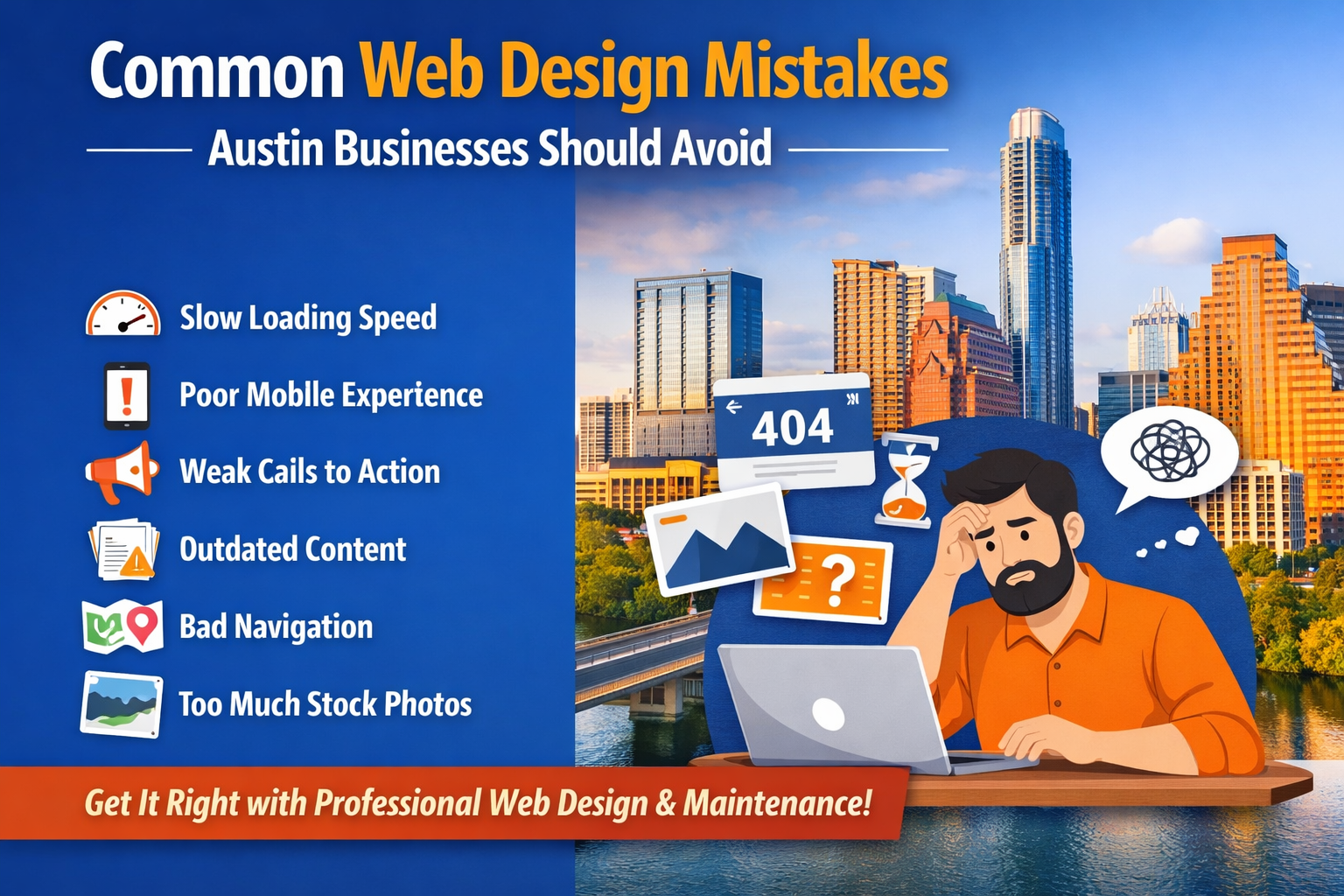
• Website looks outdated
• Slow loading speed
• Poor mobile experience
• Low search rankings
• Low conversion or lead rates
• Difficult content management
• Security concerns
Look at analytics data first. Check bounce rate, user behavior, and page performance. Find what is not working.
And fix problems, not just colors and fonts.
Review Current Website Performance
Your existing website holds useful data. Don’t ignore it.
Check:
• Pages with highest traffic
• Pages with best conversion rates
• Pages users leave quickly
• Top search keywords bringing visitors
• Mobile vs desktop performance
Some pages may already perform well. Keep what works. Improve what doesn’t.
A good redesign builds on strengths instead of starting from zero.
Improving User Experience with Professional Web Design in Austin
Design trends come and go. But usability always matters.
Visitors should find information quickly without confusion. If users need to search too much, they leave.
Focus on:
• Clear navigation menu
• Simple page layout
• Easy-to-read text
• Fast access to contact details
• Simple forms
• Logical page structure
Austin customers often search for services on mobile devices. So navigation must work smoothly on small screens.
User experience should guide design decisions, not decoration.
Make Mobile Performance a Priority
Most website traffic now comes from mobile devices. If your site doesn’t work well on phones, you’re losing customers.
A redesign should include:
• Mobile-friendly layouts
• Buttons easy to tap
• Proper text size
• Fast mobile loading speed
• Clean mobile navigation
Search engines also rank mobile-friendly sites higher. So mobile performance affects both users and SEO.
Professional web design in Austin agencies now design mobile-first. Desktop design comes after.
Improve Website Speed
People are impatient online. If your site takes more than a few seconds to load, visitors leave.
Common speed issues include:
• Large unoptimized images
• Too many plugins or scripts
• Poor hosting services
• Heavy animations or sliders
• Bad coding practices
During redesign, optimize:
• Image sizes
• Website code
• Server performance
• Caching systems
Speed improvements often increase leads without changing marketing budgets.
Plan SEO Structure Before Design
Many businesses redesign and accidentally destroy their search rankings. That happens when SEO is ignored.
Before launching a new site:
• Keep important URLs unchanged when possible
• Set proper redirects if URLs change
• Maintain existing ranking pages
• Update meta titles and descriptions
• Improve internal linking
• Optimize headings and content
A redesign should boost visibility, not reset it.
Good custom web design planning includes SEO from the start.
Update Content, Don’t Just Move It
A redesign is a good chance to fix weak content.
Old websites often contain:
• Outdated services
• Old pricing or offers
• Weak service descriptions
• Broken links
• Old staff details
Rewrite content clearly and directly. Focus on customer questions.
Each page should answer:
• What do you offer?
• Who is it for?
• Why should someone trust you?
• How can they contact you?
Good content builds trust faster than fancy visuals.
Strengthen Calls to Action
Many websites forget to guide visitors.
Users should always know what step to take next.
Add clear calls to action such as:
• Request a quote
• Schedule consultation
• Contact us
• Get pricing
• Book an appointment
Place CTAs naturally across pages, not just on the contact page.
A redesign should increase conversions, not just traffic.
Improve Trust Signals
People buy from businesses they trust. Your website must support that trust.
Add or improve:
• Customer testimonials
• Case studies
• Google reviews
• Certifications or awards
• Clear contact information
• Team photos
• Real project images
Austin customers often check credibility before contacting businesses.
Trust elements help visitors choose you over competitors.
Use Modern Design Without Overdoing It
Modern design should look clean and professional. But avoid design trends that harm usability.
Common mistakes include:
• Too many animations
• Dark text on dark backgrounds
• Complex layouts
• Hard-to-read fonts
• Cluttered pages
Simple design works better. Let content and structure guide visuals.
Custom web design should support business goals, not distract users.
Make Website Easy to Manage
After redesign, your team should easily update the content.
Choose systems that allow:
• Easy blog updates
• Page editing without coding
• Image changes
• Service updates
If updates require developers every time, costs grow quickly.
A smart redesign makes website management simple.
Ensure Website Security
Security matters for both users and search engines.
During redesign, include:
• SSL certificates
• Secure hosting
• Updated plugins and systems
• Regular backups
• Protection against malware
Customers hesitate to use websites that look unsafe.
Security also protects business data.
Add Analytics and Tracking Tools
After redesign, measure performance.
Install tools like:
• Google Analytics
• Google Search Console
• Conversion tracking
• Call tracking if needed
Tracking helps understand what works and what needs improvement.
Redesign is not the end. Optimization continues.
Test Everything Before Launch
Never launch without testing.
Check:
• Mobile and desktop views
• Contact forms
• Page loading speed
• Broken links
• Payment or booking systems
• Navigation flow
Small issues can cost leads. Testing prevents problems after launch.
Choose the Right Web Design Partner
A redesign is an investment. Choose partners carefully.
Look for teams that:
• Understand business goals
• Provide SEO knowledge
• Offer ongoing support
• Show proven work
• Communicate clearly
Professional web design in Austin companies vary widely. Pick one focused on performance, not just visuals.
Final Thoughts
A website redesign is not about making things look different. It’s about making things work better.
Better speed. Better navigation. Better conversions. Better visibility.
Austin businesses that treat redesign as a business upgrade see long-term results. Those who treat it as decoration usually repeat the process within a year or two.
Plan carefully. Use data. Improve user experience.
And if your current site still works well, don’t redesign just because competitors did. Fix real problems, not imaginary ones.
A smart redesign saves money, attracts customers, and supports business growth for years.